
TEMPLATES
Podcast clip templates with captions
Six caption styles and audiogram looks for podcast and interview clips. Every example here is a real FastClip render, not a mockup. Pick a style, paste your link, choose the moment.
Free, no credit card, no watermark. Press play on any example to hear it.
Caption styles
Each style is a preset in FastClip. Open one to see its exact settings, then make the same clip from your own episode.
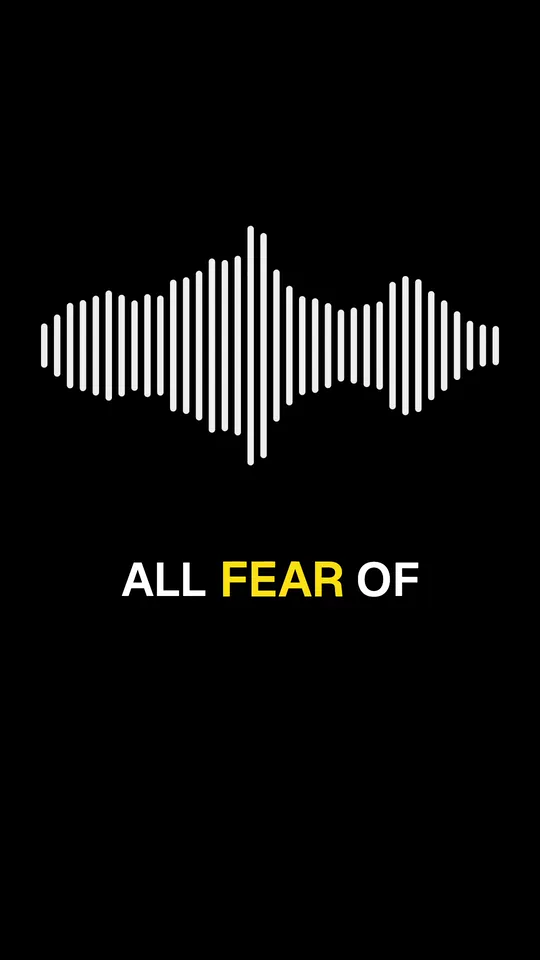
Hormozi-style captions
Big uppercase words, the spoken one in yellow
Preset: Bold pop
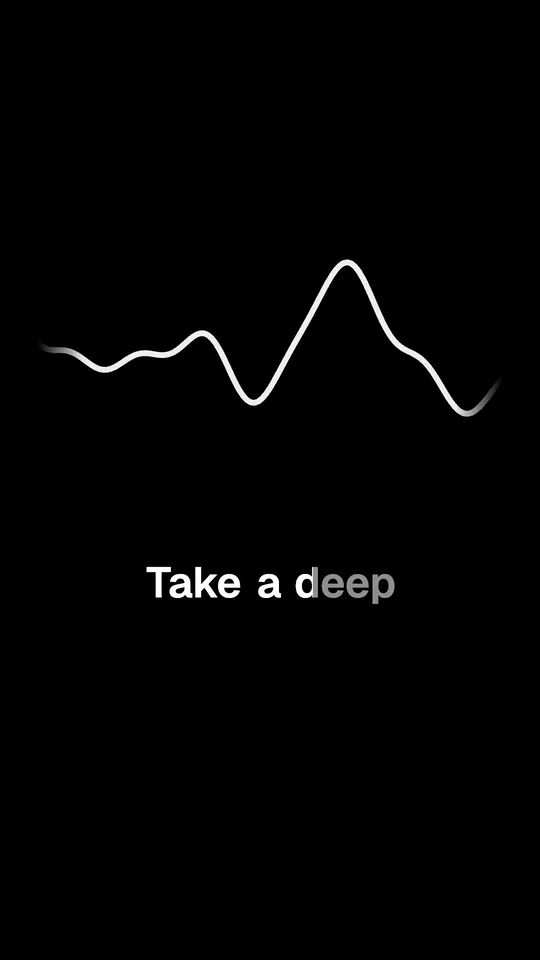
Karaoke captions
Each word fills with white as it is spoken
Preset: Karaoke
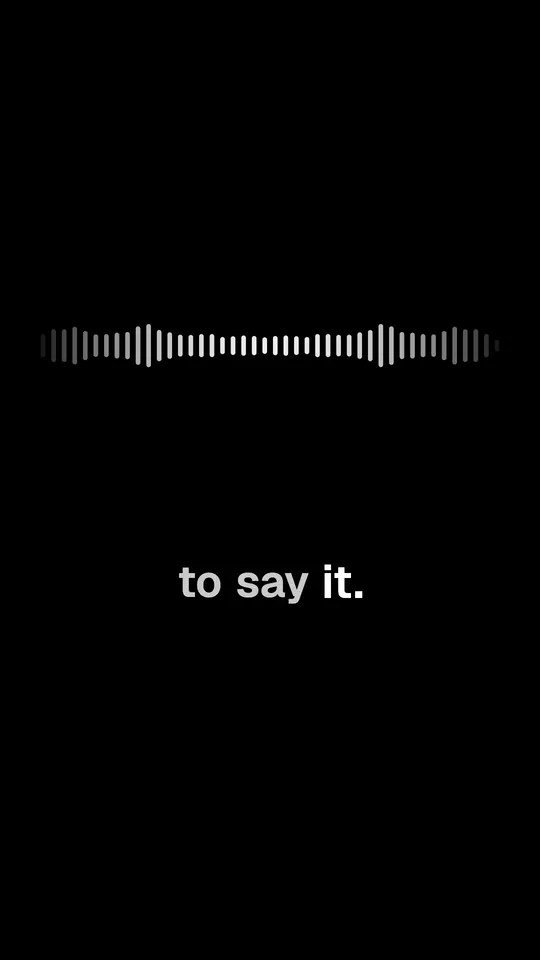
Word-by-word captions
The spoken word turns white and grows a little
Preset: Classic
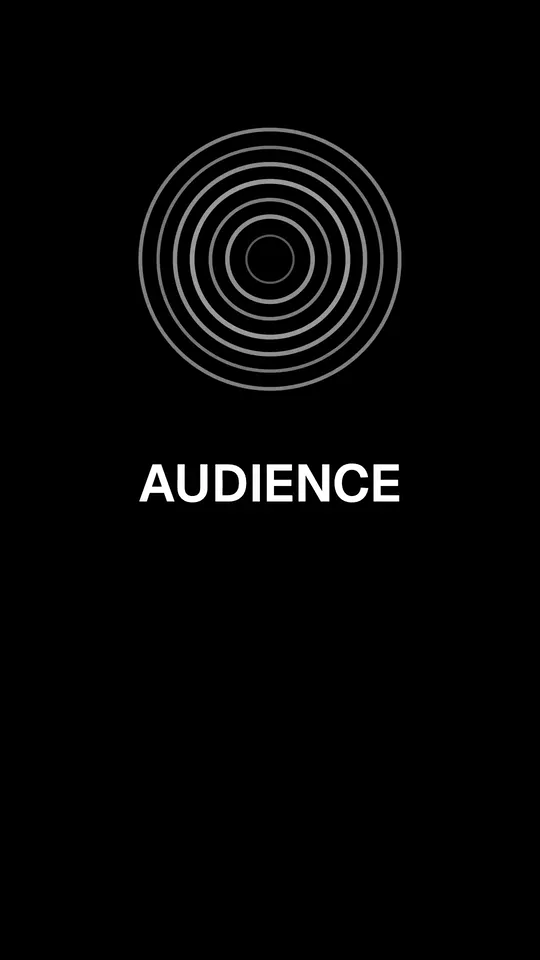
One word at a time captions
One huge word in the middle of the frame
Preset: One word
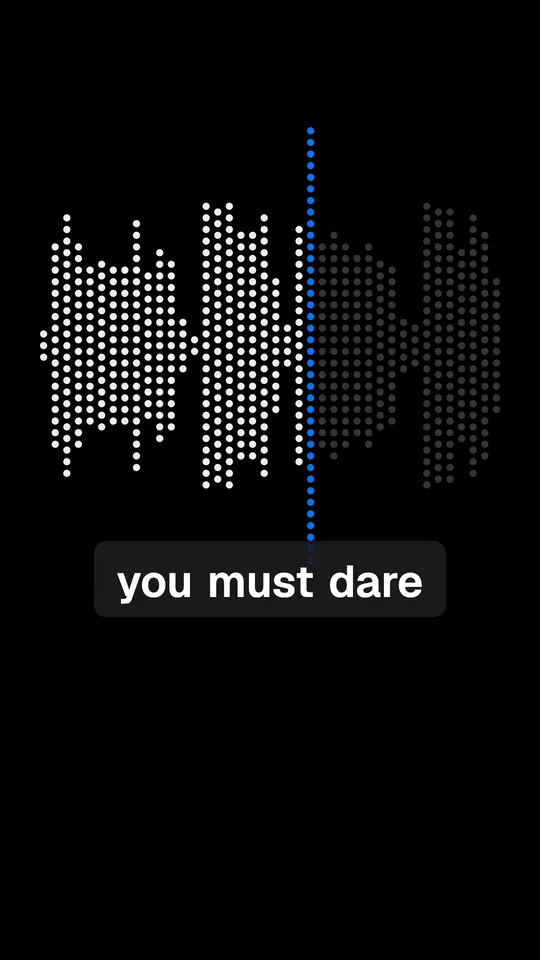
Boxed captions
White words on a dark rounded box
Preset: Boxed
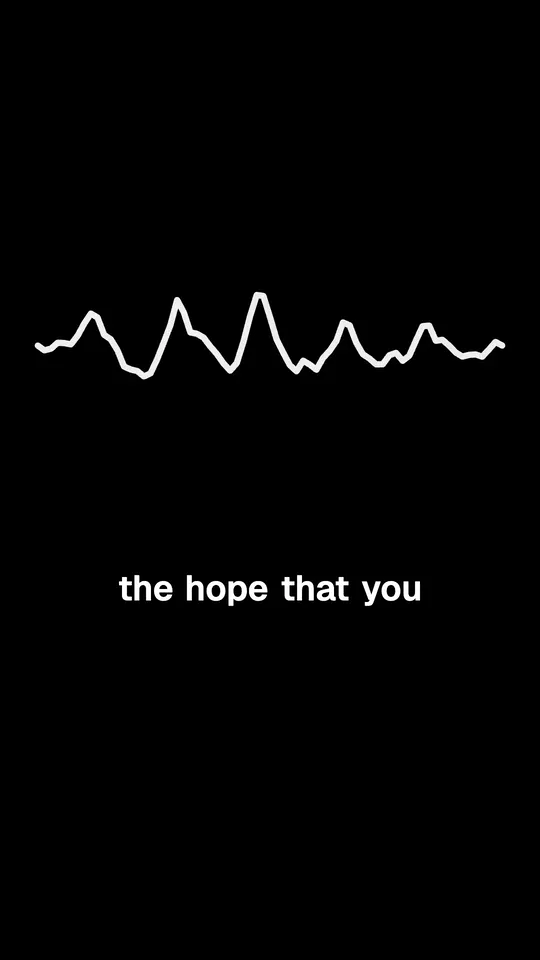
Minimal captions
Small white text, no animation
Preset: Minimal
For podcasts with no video
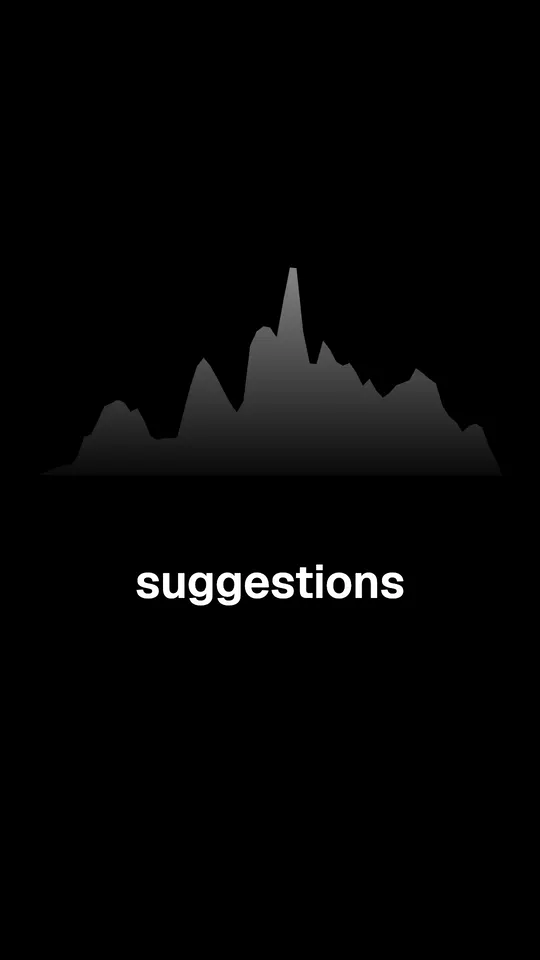
Upload the audio and FastClip draws a moving waveform under the captions. There are 23 waveform looks to choose from.
Which caption style fits your clip
| Style | How the words appear | Words a line | Best for |
|---|---|---|---|
| Hormozi-style captions | The spoken word grows a little and lights up | 3 | Hooks and punchy advice clips |
| Karaoke captions | Each word fills with color while it is spoken | 6 | Calm talks and storytelling |
| Word-by-word captions | The spoken word grows a little and lights up | 6 | Most podcast and interview clips |
| One word at a time captions | The spoken word grows a little and lights up | 1 | Short, intense hooks |
| Boxed captions | Words appear one by one as they are spoken | 5 | Bright or busy footage |
| Minimal captions | The whole line shows at once, no animation | 8 | Professional and B2B clips |
Every setting stays yours
A template is a starting point. In Settings, Captions you can change the size (S to XL), the position (top, middle, bottom), the text color and the spoken word color, the background (none, a soft shade or a box), the animation, 1 to 8 words per line, and capital letters. The change applies to the clips you finish next.
What these templates do not do
- No automatic clips. FastClip does not cut an episode into dozens of clips or score them. You choose the moment; the template decides how it looks.
- No emoji, stickers or thick cartoon outlines. One font (Geist SemiBold), one highlight color. Looks such as the MrBeast style, with a heavy outline and a comic font, are not available.
- No separate subtitle file. Captions are burned into the video. FastClip does not export an SRT file.
About the examples
Every example uses a moment from chapter 1 of The Art of Public Speaking by Dale Carnegie and J. Berg Esenwein (1915), read by Michael Lipschultz for LibriVox. The recording is in the public domain. FastClip cut, captioned and rendered each moment with the preset named on its card.
Questions
What is a podcast clip template?
A saved look for short clips: how the captions appear, where they sit, their colors, and the frame. In FastClip a template is a caption preset plus a waveform for audio-only clips. You pick the moment; the template gives every clip the same look.
Are the examples real?
Yes. Each example was made by FastClip's own render from a public-domain recording, with the preset shown on the page and no edits after the render. Only a few misheard words were corrected in the captions, as you can do in the app before you finish a clip.
Can I use a template on a video podcast?
Yes. The captions look the same over your video. When you finish a clip, choose vertical 9:16 for Shorts, Reels and TikTok, or keep the original shape of the video. The examples here use audio, so they show a waveform instead of a picture.
Is it free?
FastClip is free with no credit card and no watermark: 100 finished clips and 50 imports in total, and up to 30 finished clips a day.
Which languages do the captions support?
FastClip detects the language spoken and writes the captions in that language. The examples here are in English; captions in scripts written right to left, such as Arabic, have not been checked with every style yet.