
CAPTION TEMPLATE
One word at a time captions
A single huge uppercase word in the middle of the frame, changing with every word that is spoken.
Opens FastClip and offers this style for your captions. Nothing changes until you press Apply.
Free, no credit card, no watermark.
What it is
One word at a time captions show only the word being spoken, very large, in the center of the frame. Nothing else competes with it, so it works as a hook. In FastClip this is the One word preset.
Use it for
- Hooks of 10 to 30 seconds
- Short, strong sentences and calls to action
- Frames with little else to see, such as audio-only clips
Exact settings
These are the preset values in FastClip's code, the same ones the example was rendered with.
- Preset in FastClip
- One word
- How the words appear
- The spoken word grows a little and lights up
- Words a line
- One word at a time
- Size
- XL (extra large)
- Position
- Middle
- Colors
- #FFFFFF for every word
- Background
- None, with a thin black outline
- Capital letters
- Yes
- Font
- Geist SemiBold
- Frame
- Vertical 9:16, 1080 × 1920 pixels
- Waveform (audio-only clips)
- Pulse rings
- Example length
- 10 s
Make this clip from your own podcast in 3 steps
1. Paste a link or upload the file
Paste a YouTube or X link or a Google Drive link to the episode, or upload a video or audio file. FastClip makes the transcript; you can leave and come back.
2. Pick the moment
Select the exact words in the transcript, or set the start and end on the timeline. You choose the moment; FastClip does not pick it for you.
3. Finish it in this style
"Use this template" sets One word as your caption style. Finish the clip, choose vertical 9:16 for Shorts, Reels and TikTok, then post it to Instagram or X from FastClip, or download the MP4.
How it differs from other styles
One word at a time is the biggest and slowest to read. For three words at once with a yellow highlight, use Hormozi-style captions. For a full line, use Word-by-word captions.
Related templates
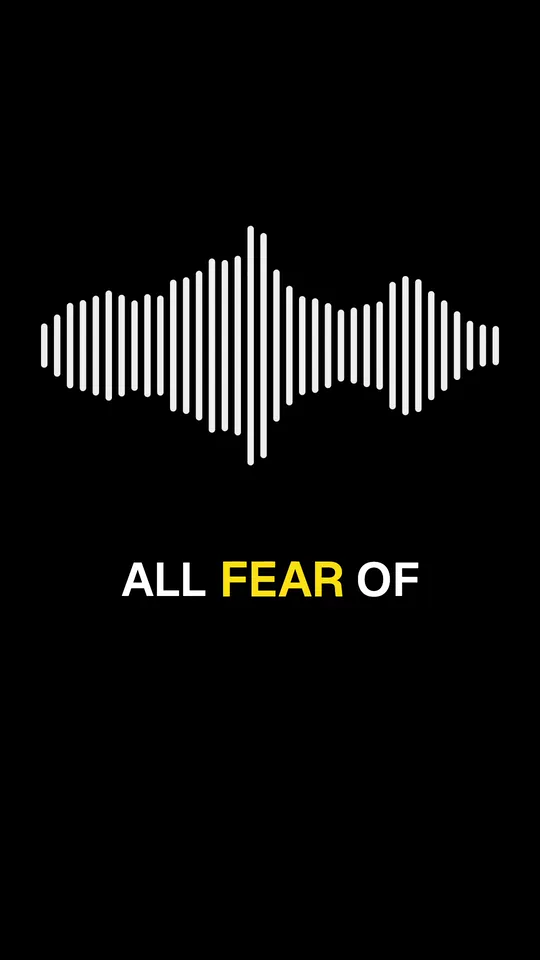
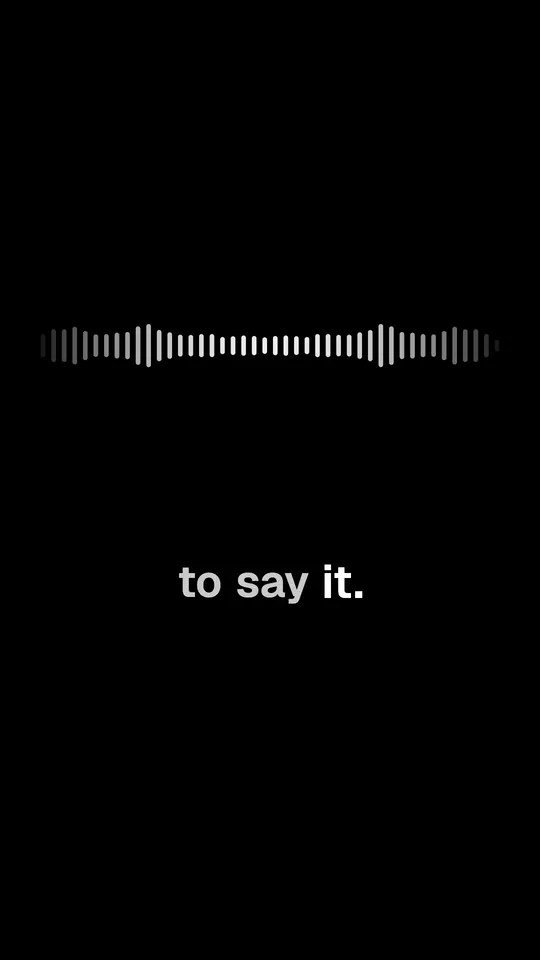
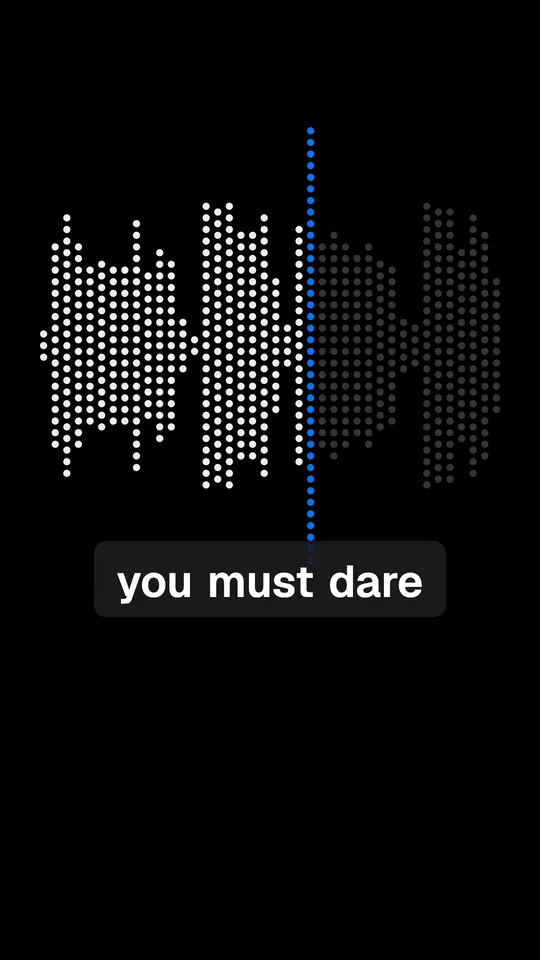
Questions
Is one word at a time hard to read in long clips?
It can be. Fast speech changes the word several times a second. Keep this style for short clips and strong sentences; use a line style for clips longer than a minute.
Where do the words sit?
In the middle of the frame, at the preset's largest size (XL). The size gets smaller only when the longest word of the clip would not fit the width.
Can I turn off the capital letters?
Yes. In Settings, Captions, switch off “Capital letters”. The words then keep their normal capitalization.
About the example
Audio: chapter 1 of The Art of Public Speaking by Dale Carnegie and J. Berg Esenwein (1915), read by Michael Lipschultz for LibriVox, public domain. Cut, captioned and rendered by FastClip; words corrected in the captions: none.
Make your first clip in this style
Paste a link to your episode. The clip comes out with these captions, and you can change any setting before you finish.