
AUDIOGRAM TEMPLATE
Podcast audiogram templates
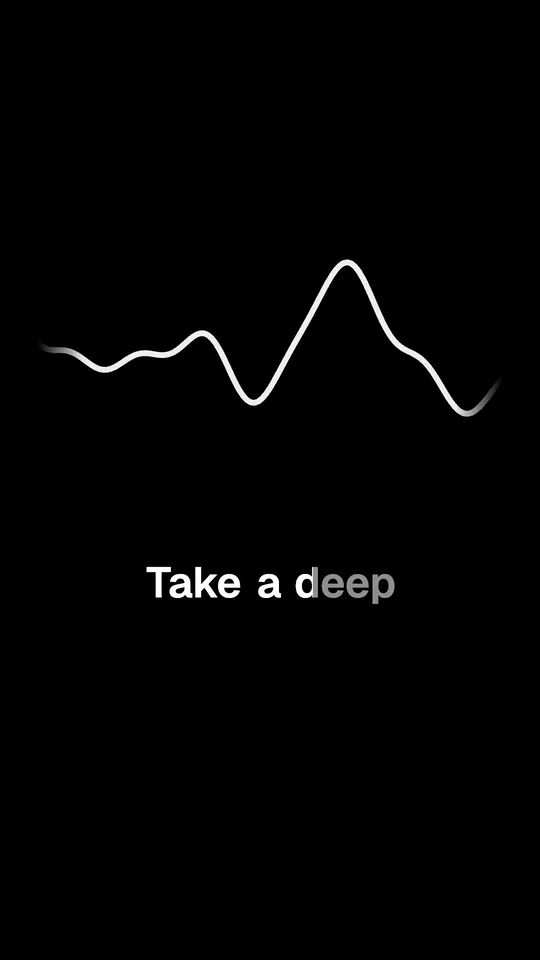
An animated waveform that moves with the voice, and word-timed captions, on a vertical video. For podcasts that have audio but no video.
Opens FastClip and offers this style for your captions. Nothing changes until you press Apply.
Free, no credit card, no watermark.
What it is
An audiogram turns a moment of audio into a video that apps will play: a waveform that moves with the sound, and captions so people can follow without sound. Upload the audio to FastClip, pick the moment, and choose one of 23 waveform looks. This example uses Gradient mountain with Classic captions.
Use it for
- Audio-only podcasts and radio shows
- Voice memos, lectures and audiobook moments
- Promoting a new episode on Shorts, Reels and TikTok
Exact settings
These are the preset values in FastClip's code, the same ones the example was rendered with.
- Preset in FastClip
- Classic
- How the words appear
- The spoken word grows a little and lights up
- Words a line
- Up to 6; a line that does not fit the width splits in two
- Size
- M (medium)
- Position
- Bottom
- Colors
- Text #C8C8C8, spoken word #FFFFFF
- Background
- A soft dark shade behind the line
- Capital letters
- No
- Font
- Geist SemiBold
- Frame
- Vertical 9:16, 1080 × 1920 pixels
- Waveform (audio-only clips)
- Gradient mountain
- Example length
- 15 s
More waveform looks
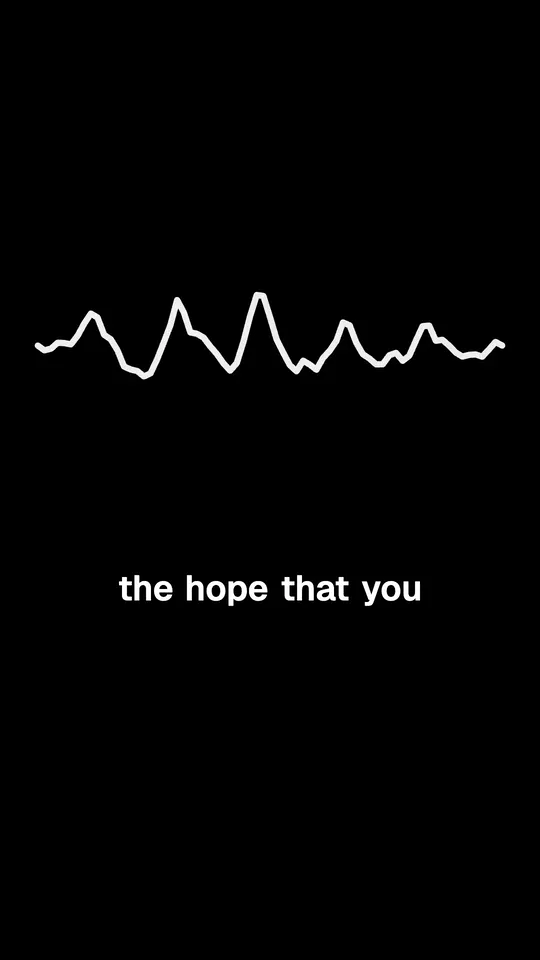
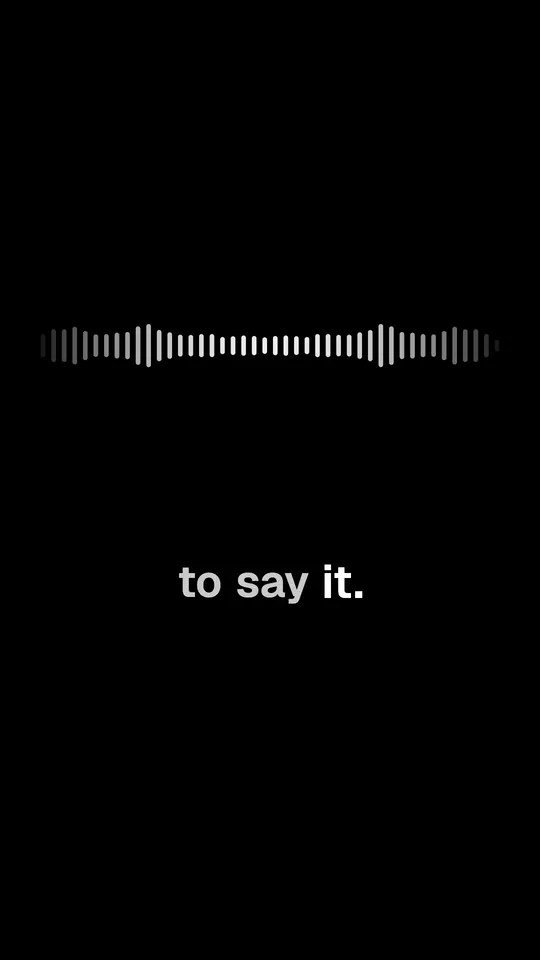
The same moment with other waveforms. Each one keeps the captions above.
Radial capsules
Three ribbons
Calm electric line
Voice memo
Dot matrix
Rising bars
Make this clip from your own podcast in 3 steps
1. Paste a link or upload the file
Paste a YouTube or X link or a Google Drive link to the episode, or upload a video or audio file. FastClip makes the transcript; you can leave and come back.
2. Pick the moment
Select the exact words in the transcript, or set the start and end on the timeline. You choose the moment; FastClip does not pick it for you.
3. Finish it in this style
"Use this template" sets Classic as your caption style. Finish the clip, choose vertical 9:16 for Shorts, Reels and TikTok, then post it to Instagram or X from FastClip, or download the MP4.
How it differs from other styles
The waveform shows only on clips from audio. Any caption style works on top of it: try Karaoke or Minimal. For the upload limits and formats, see the audiogram maker.
Related templates
Questions
What is an audiogram for a podcast?
A short video made from podcast audio: a moving waveform, captions and sometimes a title. Social apps do not play audio files, so an audiogram is how an audio show gets a clip into Shorts, Reels or TikTok.
Which shape is the video?
Vertical 9:16 at 1080 × 1920 pixels, 30 frames per second, for Shorts, Reels and TikTok.
Does the audiogram show my cover art?
Not in the finished clip. The clip shows the waveform and the captions, and your own logo if you add one in Settings.
Which audio files can I upload?
MP3, M4A, WAV, FLAC and other common formats, several files at once or in a ZIP. The audiogram maker page lists the formats and the limits.
About the example
Audio: chapter 1 of The Art of Public Speaking by Dale Carnegie and J. Berg Esenwein (1915), read by Michael Lipschultz for LibriVox, public domain. Cut, captioned and rendered by FastClip; words corrected in the captions: none.
Make your first clip in this style
Paste a link to your episode. The clip comes out with these captions, and you can change any setting before you finish.