
CAPTION TEMPLATE
Karaoke captions for podcast clips
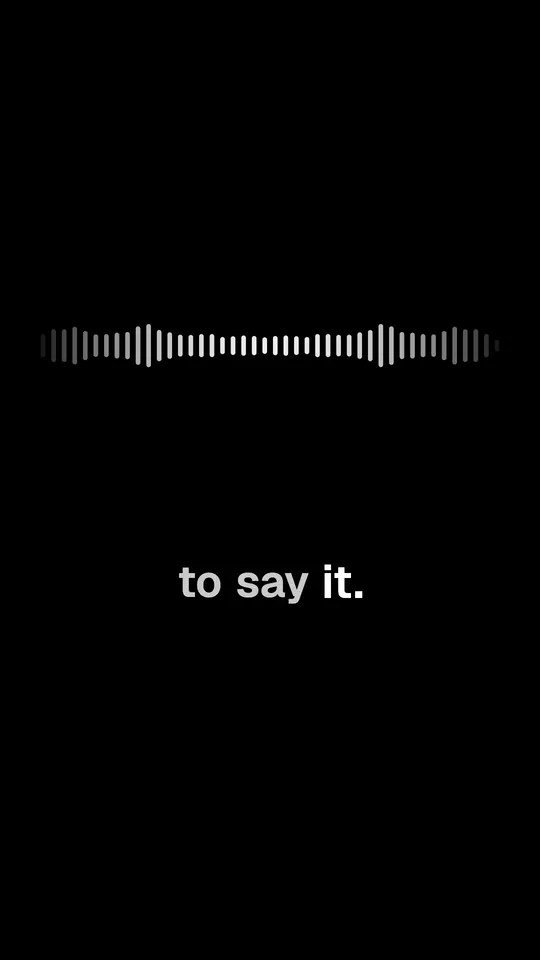
The line shows in gray and each word fills with white, left to right, while it is spoken. Made for speech, not song lyrics.
Opens FastClip and offers this style for your captions. Nothing changes until you press Apply.
Free, no credit card, no watermark.
What it is
Karaoke captions show the whole line before it is spoken. As the speaker says each word, color sweeps across it from left to right, like the lyrics of a karaoke song. In FastClip this is the Karaoke preset.
Use it for
- Slow, thoughtful speakers and storytelling
- Clips where viewers read ahead, such as quotes and lessons
- Language learners, who see the next words before they hear them
Exact settings
These are the preset values in FastClip's code, the same ones the example was rendered with.
- Preset in FastClip
- Karaoke
- How the words appear
- Each word fills with color while it is spoken
- Words a line
- Up to 6; a line that does not fit the width splits in two
- Size
- M (medium)
- Position
- Bottom
- Colors
- Text #8E8E8E, spoken word #FFFFFF
- Background
- A soft dark shade behind the line
- Capital letters
- No
- Font
- Geist SemiBold
- Frame
- Vertical 9:16, 1080 × 1920 pixels
- Waveform (audio-only clips)
- Smooth wave
- Example length
- 17 s
Make this clip from your own podcast in 3 steps
1. Paste a link or upload the file
Paste a YouTube or X link or a Google Drive link to the episode, or upload a video or audio file. FastClip makes the transcript; you can leave and come back.
2. Pick the moment
Select the exact words in the transcript, or set the start and end on the timeline. You choose the moment; FastClip does not pick it for you.
3. Finish it in this style
"Use this template" sets Karaoke as your caption style. Finish the clip, choose vertical 9:16 for Shorts, Reels and TikTok, then post it to Instagram or X from FastClip, or download the MP4.
How it differs from other styles
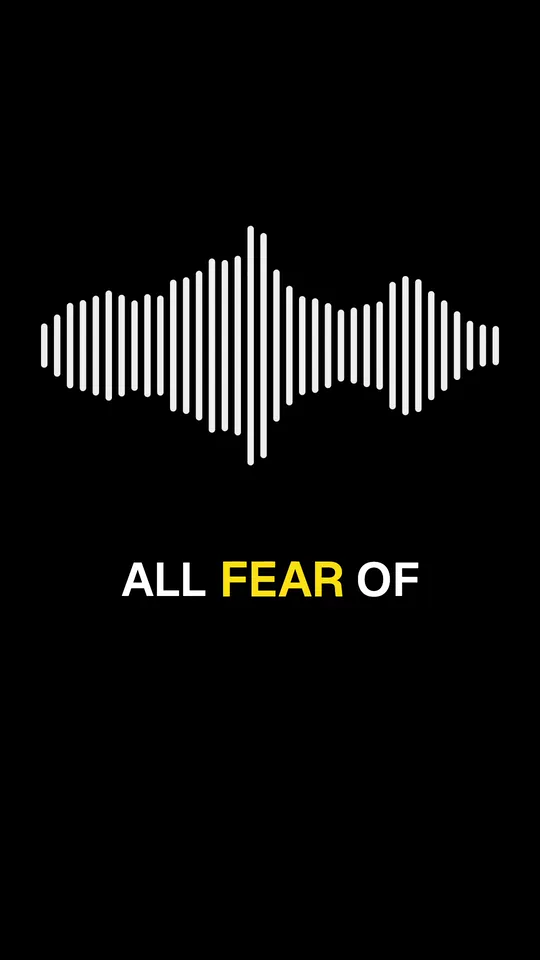
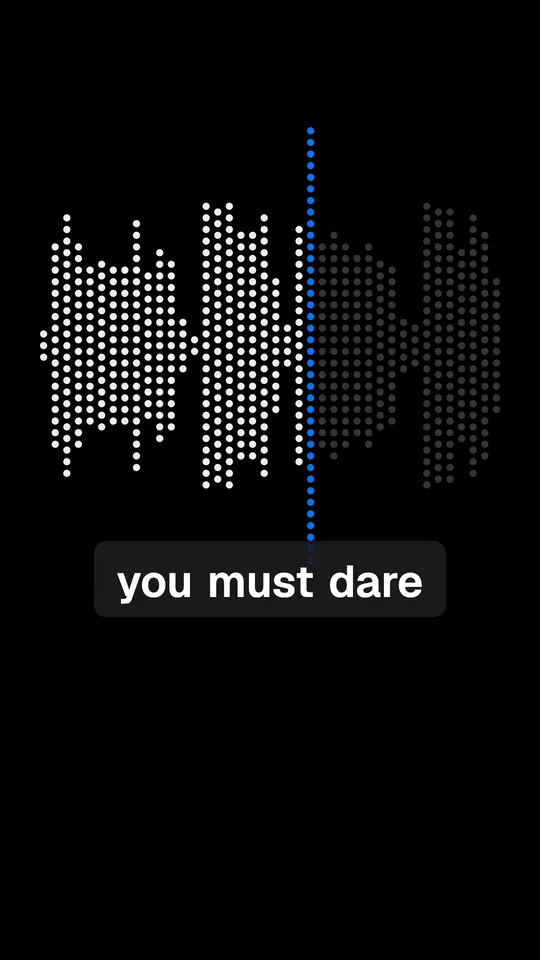
Karaoke fills each word gradually while it is spoken. Word-by-word captions light up the whole word at once. Hormozi-style captions are bigger and show fewer words.
Related templates
Questions
What are karaoke captions?
Captions that show a full line in one color and fill each word with a second color while it is spoken, from left to right. The name comes from karaoke lyrics, where the same sweep shows singers when to sing.
Are karaoke captions a good choice for accessibility?
The moving color helps many viewers follow the speech. Some readers find any animation distracting; for them, the Minimal style shows a still line. Captions in FastClip are always burned in, so they show in every app.
Can I change the colors?
Yes. In Settings, Captions, choose the color of the waiting words and of the spoken word. The preset uses gray and white.
Is this for songs?
No. FastClip times captions to speech recognition, so it works best on people talking: podcasts, interviews, talks. Words sung over music are often recognized wrong.
About the example
Audio: chapter 1 of The Art of Public Speaking by Dale Carnegie and J. Berg Esenwein (1915), read by Michael Lipschultz for LibriVox, public domain. Cut, captioned and rendered by FastClip; words corrected in the captions: none.
Make your first clip in this style
Paste a link to your episode. The clip comes out with these captions, and you can change any setting before you finish.